Heat Conduction Analysis
Use the data in tutorial/16_heat_block.
Analysis Target
The analysis target is a perforated block. Figure 4.16.1 shows the geometry, and Figure 4.16.2 shows the mesh.
| Item | Description | Notes | Reference |
|---|---|---|---|
| Analysis type | Heat conduction analysis | !SOLUTION,TYPE=HEAT | |
| Number of nodes | 37,386 | ||
| Number of elements | 32,160 | ||
| Element type | 8-node linear hexahedral element | !ELEMENT,TYPE=361 | |
| Material name | AL | !MATERIAL,NAME=AL | |
| Boundary conditions | Prescribed temperature | !FIXTEMP | |
| Matrix solver | CG/SSOR | !SOLVER,METHOD=CG,PRECOND=1 |
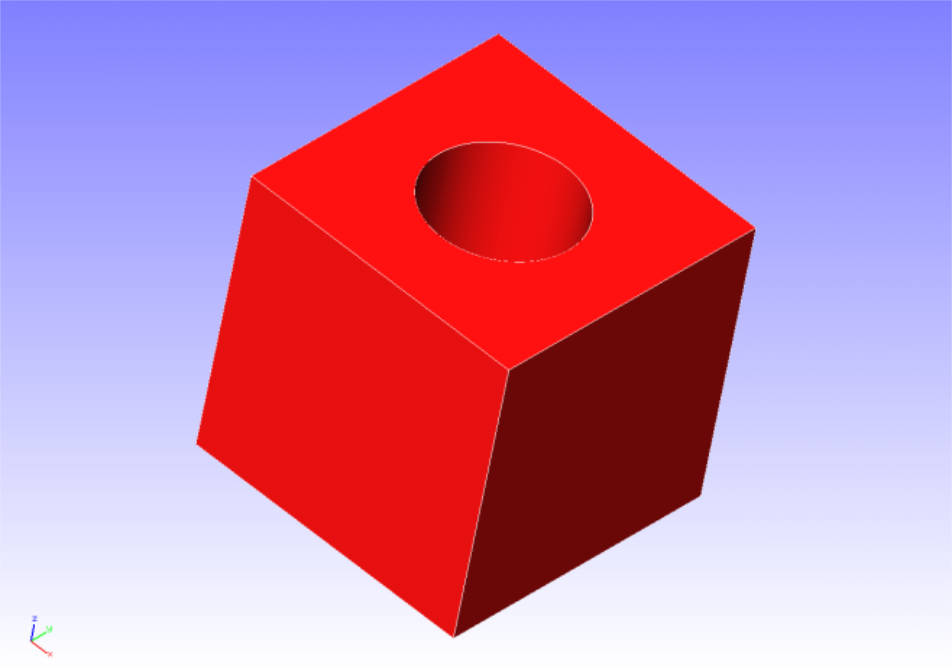
Figure 4.16.1: Shape of the perforated block
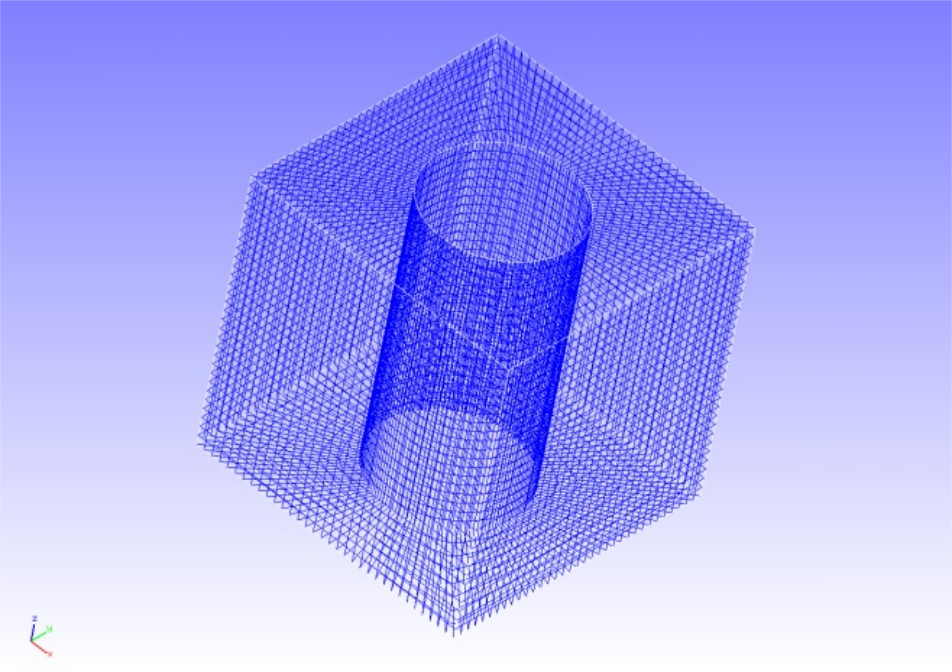
Figure 4.16.2: Mesh data of the perforated block
Analysis Setup
Perform a steady-state heat conduction analysis by applying a heat source to the cylindrical inner surface of the block. The Analysis Control Data are shown below.
Analysis Control Data block.cnt
#  Control File for FISTR
## Analysis Control
!VERSION
 3
!SOLUTION, TYPE=HEAT
!HEAT
 0.0
!WRITE,RESULT
!WRITE,VISUAL
## Solver Control
### Boundary Condition
!FIXTEMP
 FTMPC,  100.0
 FTMPS1, 20.0
 FTMPS2, 20.0
 FTMPS3, 20.0
 FTMPS4, 20.0
### Material
# define in mesh file
### Solver Setting
!SOLVER,METHOD=CG,PRECOND=1,ITERLOG=YES,TIMELOG=YES
 100, 1
 1.0e-8, 1.0, 0.0
## Post Control
!VISUAL,method=PSR
!surface_num=1
!surface 1
!output_type=VTK
!END
Analysis Procedure
Run fistr1.
(Run with 4 threads.)
Analysis Results
Figure 4.16.3 shows a temperature contour plot created using REVOCAP_PrePost. An excerpt from the analysis result log file is shown below as numerical output.
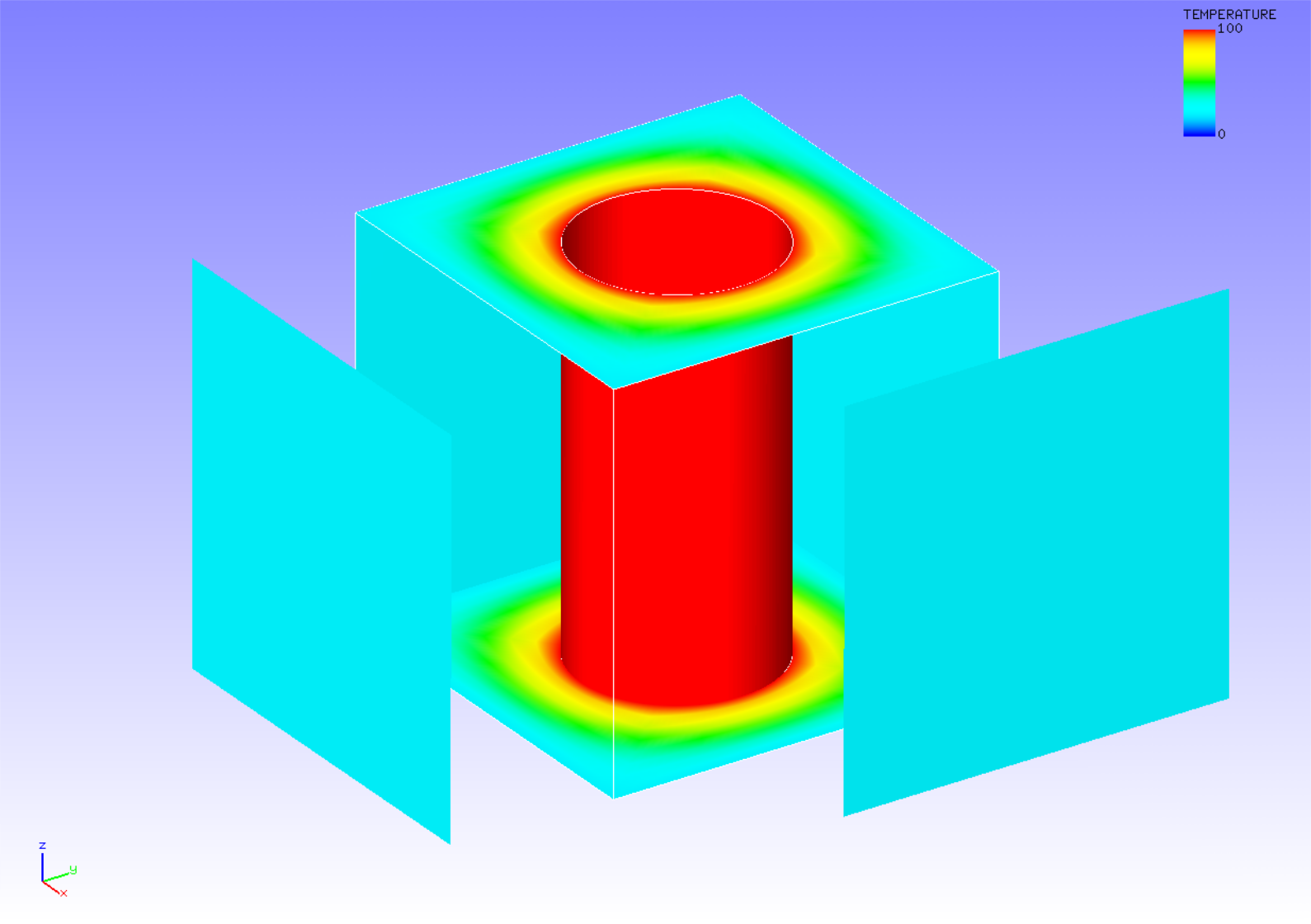
Figure 4.16.3: Temperature results